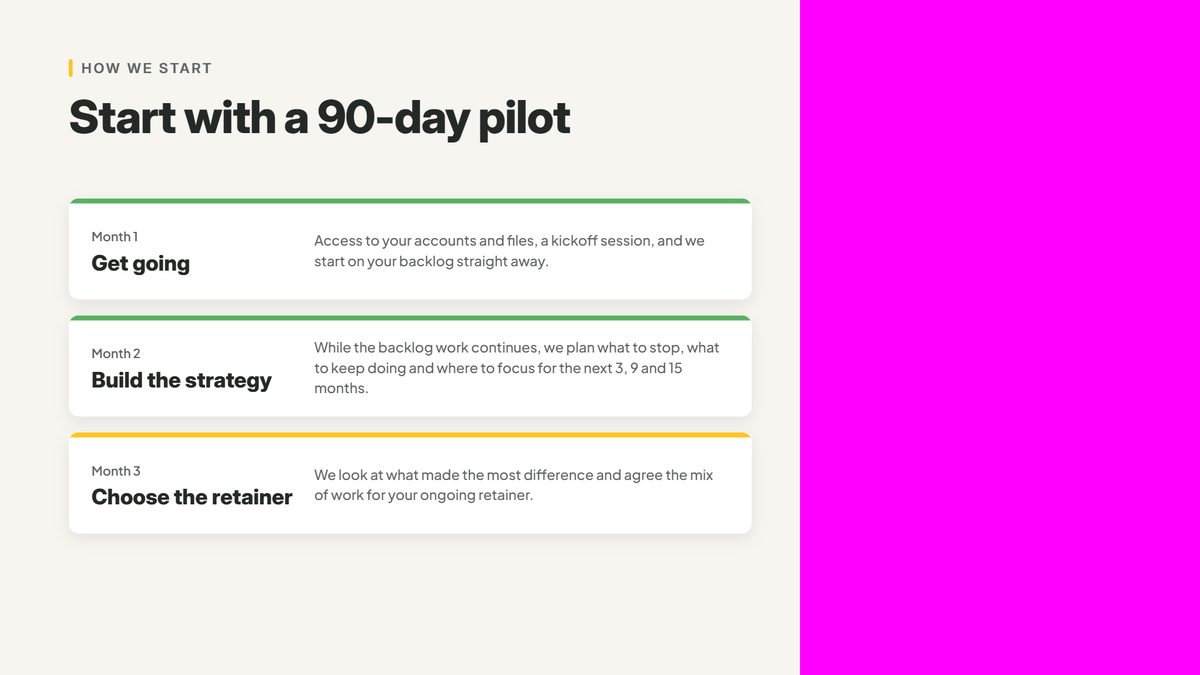
Animation used to be the hardest part of a marketing video. It meant weeks with an animator, and for most teams it cost too much or took too long to be worth it. For our new 1-minute video, it was the easiest part. We described each scene to Claude Code in plain English, and it built the animation in our brand.
That flips where the work is. What matters now is a clear idea of what you want to say. If you can describe it, you can show it on screen. The rest is ordinary video work: record the voice, film yourself and cut in footage you already have, or shoot new.
How it works
Know what each part of the video needs to say. A script, your pitch deck and photos of real work are enough to start.
Describe the video in plain English and point it at your material. It plans the scenes and builds the animation in your colours and fonts.
Watch it and say what to change, the way you would brief a designer. Each round takes minutes, not days.
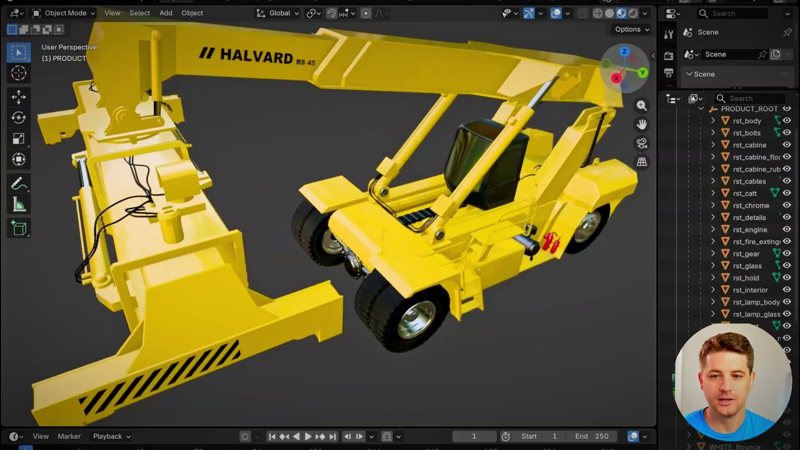
Export the animation as an MP4, then add your voice, your on-camera footage and clips of your work in DaVinci Resolve.
In Claude Code
Four requests from our own project, as typed (lightly tidied), next to the animation each one produced.
Good to know: Claude Code builds the animation as a Claude Motion film. You can scrub it, leave a comment on any moment and export it as an MP4. It has no sound, so the voice goes on in your editor.
After Claude Code
With the animation done, what’s left is the video work you already know.
Ask Claude Code to fill the spot where you’ll appear with magenta. It’s a colour our brand never uses, so keying it out leaves the graphics alone.
Put your camera clip on the track under the exported animation, add a 3D Keyer and pick the magenta. Your footage shows through.
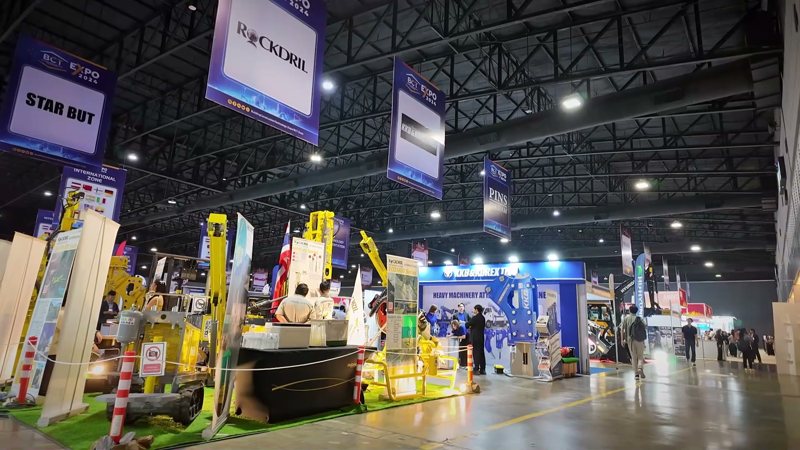
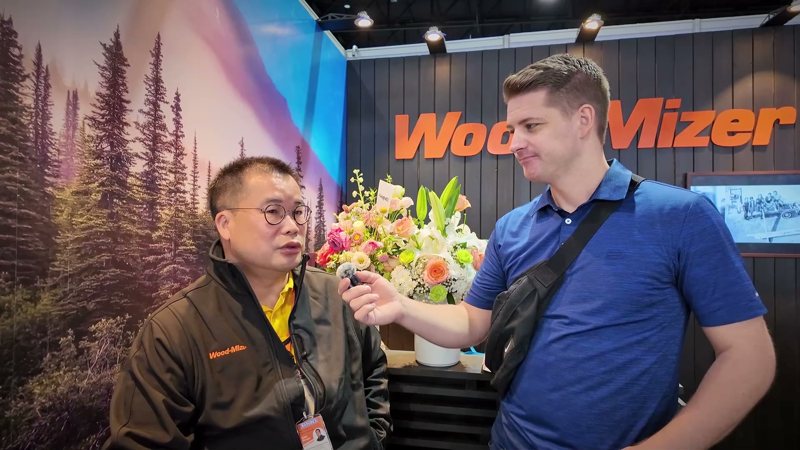
Lay the voiceover, then cut between the animation and footage of your work: events, interviews, product shots.

Footage we already had, cut in between the animated scenes


Work with us
Send us your script or talking points, your brand files and photos of your work. We’ll shape the idea with you, build the animation and finish the edit.